Phone unlocked. Feed open. No particular plan. If that sounds familiar, keep a short menu of things to do instead of scrolling. Start by choosing what you want from the next few minutes, then pick one small activity with an ending.
Try a Catdoku puzzle when you want something playful, send a specific message when you want company, or put on one favorite song when you want a familiar soundtrack. Next time your thumb heads toward the feed, you'll have another first tap to try.
Give yourself something you actually want to do with the pause.
Pick the kind of break you want
Before opening an app, finish this sentence: “Right now, I'd like a little…” Then use the answer to choose your next action.
| What you'd like | Something to try | A clear ending |
|---|---|---|
| Play | Open Catdoku and solve a normal level | Your chosen board or time limit |
| Company | Send a friend a specific question or invitation | Send the message |
| Familiarity | Listen to one song you already love | The end of the track |
| Curiosity | Read one passage from a book or saved article | The end of that passage |
| A change of scene | Refill your drink and step away from your desk | Return with your drink |
Choose one row. Save the others for another pause. The table is a menu, so there's nothing to complete or keep up with.
Want something playful? Find a few cats
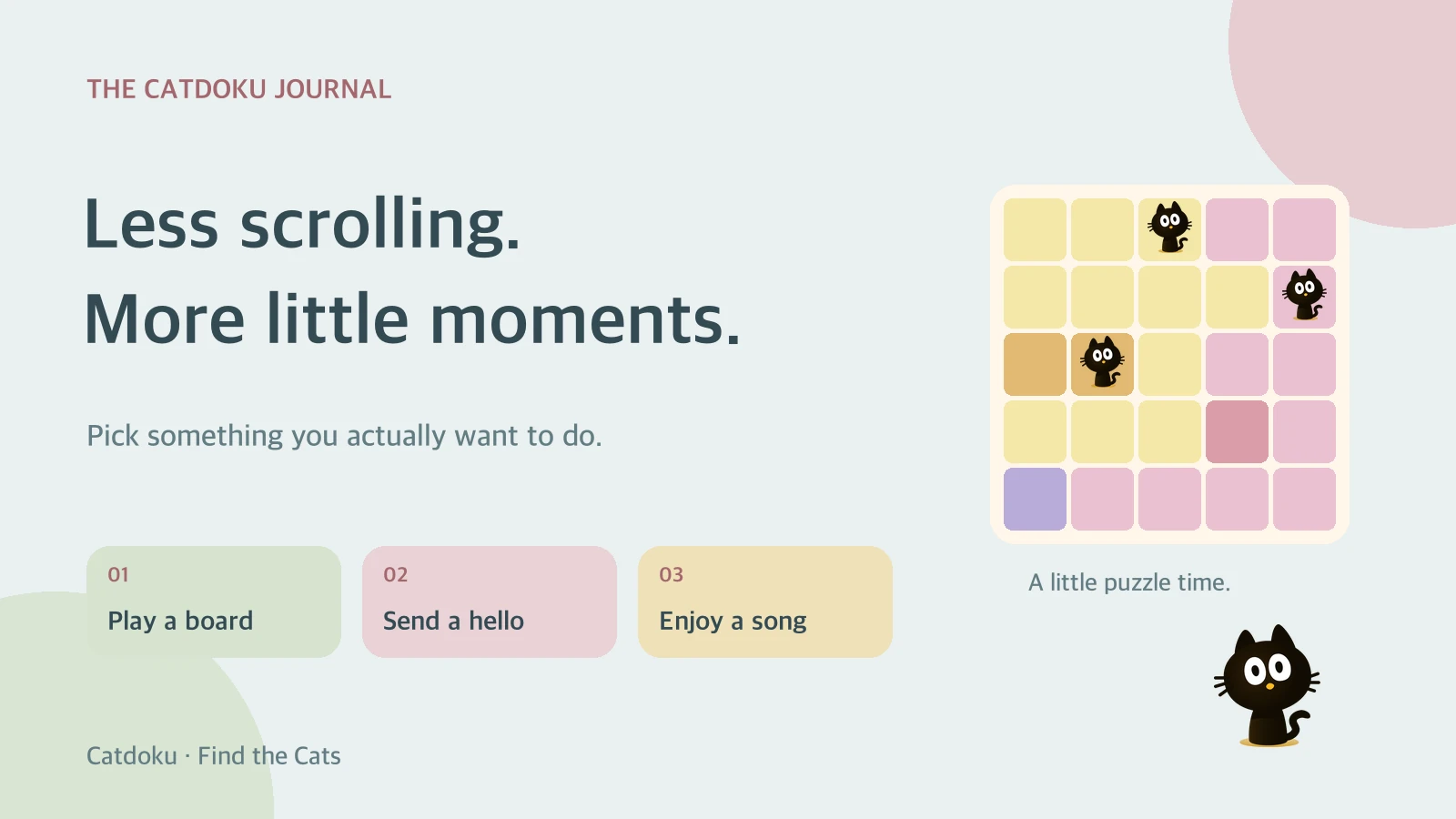
For a break where you get to make the next move, we recommend Catdoku. Open a normal level and inspect its colored regions. Your question is simple: where can the next cat go?
The board follows three rules: one cat in each color region, one in each row and column, and no touching cats, including diagonally. Tap to mark a square and double-tap to place a cat. Look for a possibility you can rule out, then check what that changes elsewhere.
You can try the rules and interactive board here before getting the mobile game. A Catdoku session gives you a concrete thing to explore: this board, these clues, the next placement.
Before starting, choose your boundary. If you have room for a whole level, make that your plan. If you're waiting for something, use a time limit that fits. Boards vary, so leave room to stop when your break ends rather than assuming every puzzle takes the same time.
Make your next break a Catdoku break →
Want company? Start one real conversation
Pick someone you've been meaning to contact and give them something easy to reply to. “How did your presentation go?” opens a different conversation from another round of checking updates. “Coffee after class on Thursday?” turns a vague intention into an invitation.
A photo of something that reminded you of them works too. Once you've sent it, you can put the phone down and let them reply in their own time. Sending the message can be the whole activity.
Want something familiar or interesting? Choose it first
For music, name the song before opening the player. Listen to it through, then decide what comes next when it ends.
For reading, open the book or article you already wanted to explore. Pick a paragraph, section, or page as your stopping point. You might leave a note about one thing you want to return to later.
Make the choice specific enough to start immediately: “listen to that song from the train ride” or “read the opening of the essay I saved.” That gives the pause a shape you chose.
Keep a three-choice menu for next time
Write three options in a note you can find easily. Include the action and its ending:
- Play: try a normal Catdoku level until my chosen stop time.
- Connect: ask one friend about something happening in their week.
- Step away: refill my drink and take it to a different spot.
When you catch yourself opening a feed without a plan, try one of those choices. Later, adjust the list around what you enjoyed. A break doesn't have to produce anything impressive to deserve its place in the day.
If today's choice is a little logic, start with Catdoku. It's available for iPhone and Android, and your next board has a few cats waiting to be found.
For more ways to fit puzzle time around your day, read Relaxing Mobile Games for Short Breaks.